Click to download now, finish the installation quickly, and directly unlock the all-round experience
Screenshots



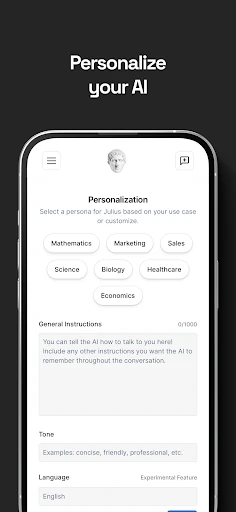
Click to download now, finish the installation quickly, and directly unlock the all-round experience
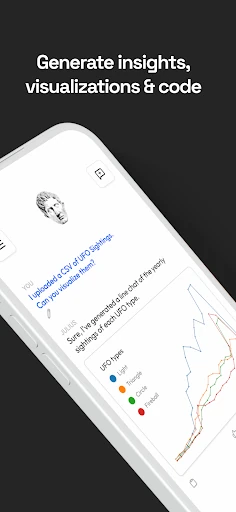
Julius AI lets you ask questions about structured data in plain language instead of writing spreadsheet formulas or SQL queries. You can use it to examine CSV files, Excel workbooks, and Google Sheets, then request summaries, comparisons, filters, groupings, or charts. It is aimed at people who need to work with data but do not want to use a dedicated analysis tool or write code.
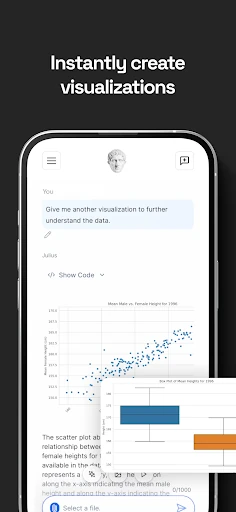
The app can help reorganise datasets by grouping and filtering rows according to a written request. It can also look for patterns, trends, and unusual values, then present the results as tables or visualisations. This makes it useful for reviewing business reports, survey results, spreadsheets, and other structured information.
Julius AI is not limited to numerical analysis. It can analyse text in a dataset, including tasks such as sentiment analysis and identifying named entities. You can use the same conversational approach for both figures and written responses, although the quality of an answer will still depend on the data you provide and how clearly you ask the question.
This is best suited to students, analysts, office workers, and small teams that regularly inspect spreadsheets but do not need a full programming environment. It may also help users who want a quick first pass over a dataset before doing more detailed work elsewhere. Julius AI is rated 4.61 out of 5 from 2,154 reviews, with 100,000+ installs. The developer is Julius AI.