Click to download now, finish the installation quickly, and directly unlock the all-round experience
Screenshots
Click to download now, finish the installation quickly, and directly unlock the all-round experience
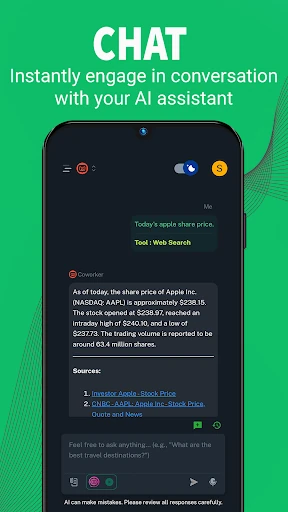
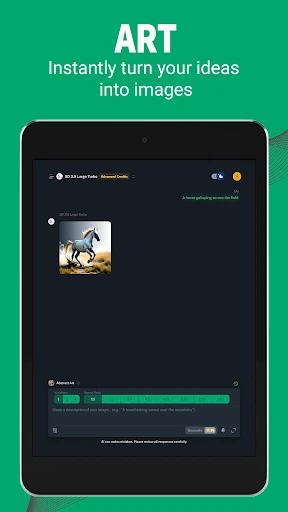
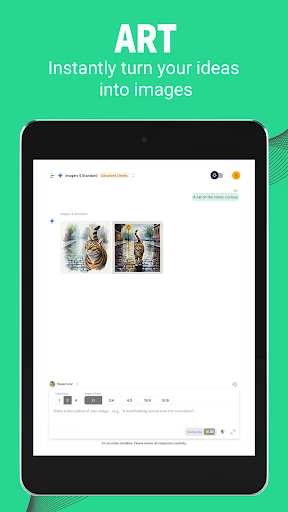
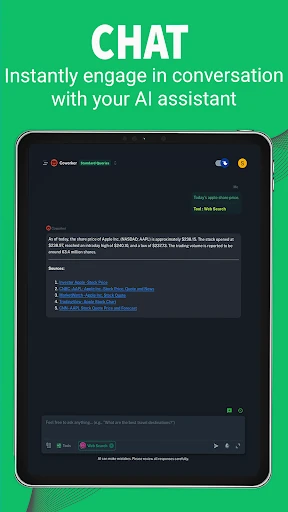
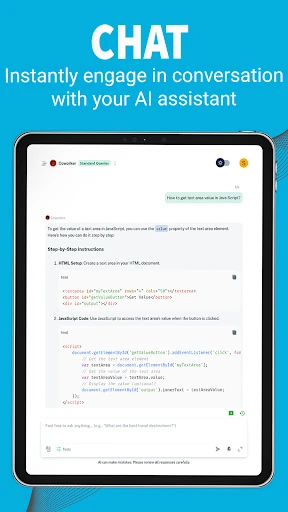
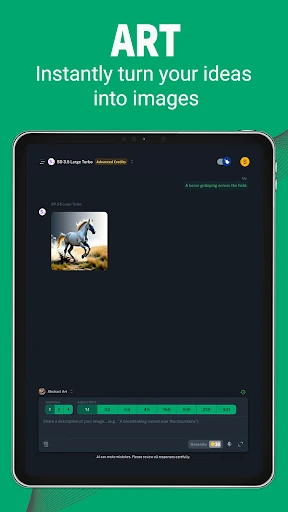
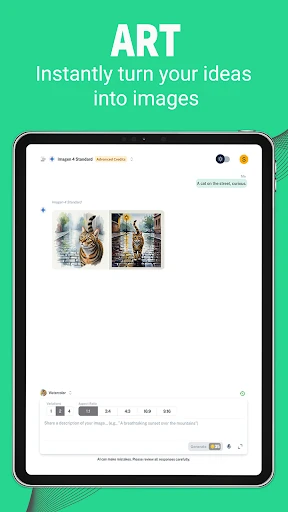
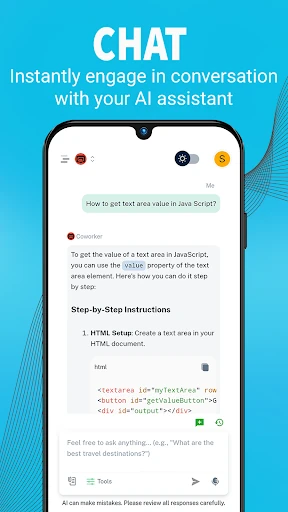
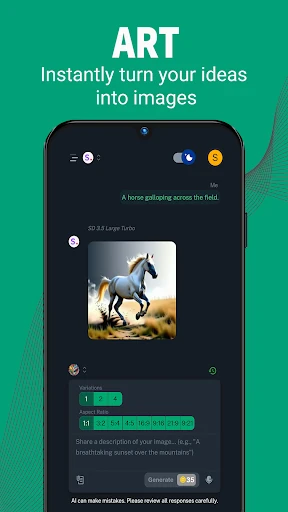
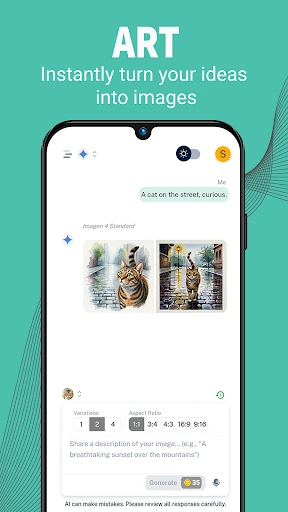
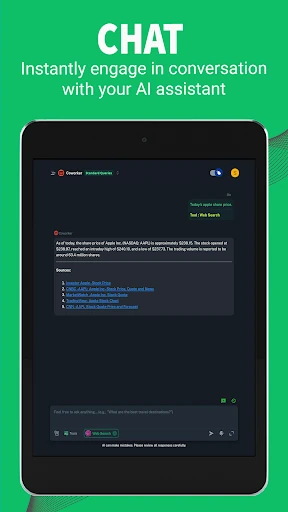
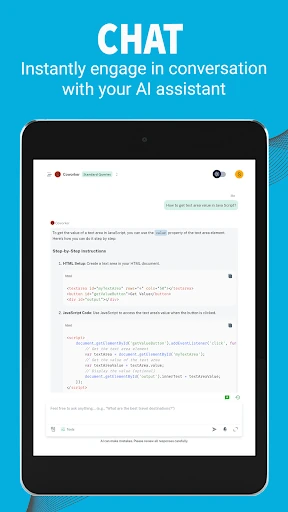
Coworker AI puts several AI assistants in one Android app. You can use it to ask questions, draft or rewrite text, create images from prompts, translate content, and shorten longer documents into summaries. It is aimed at people who want one place for general AI work instead of switching between separate tools.
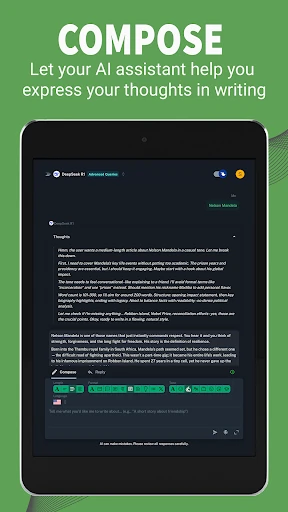
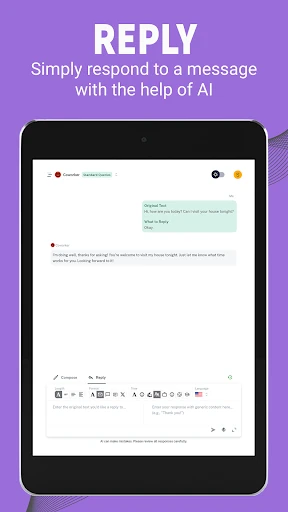
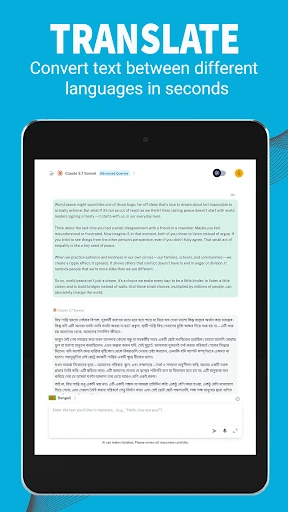
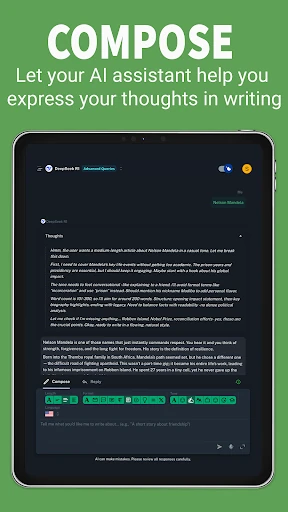
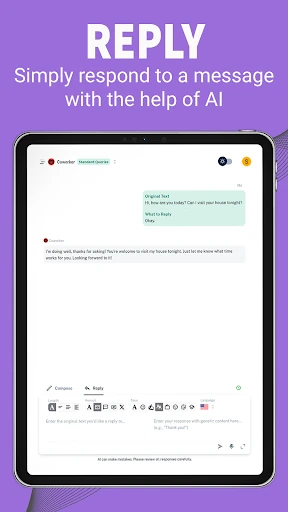
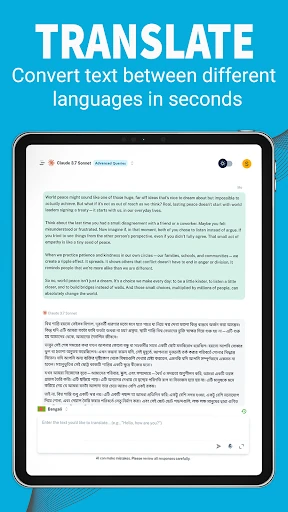
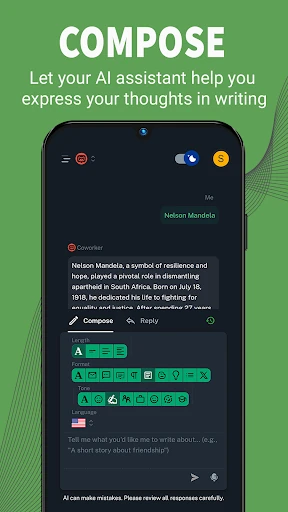
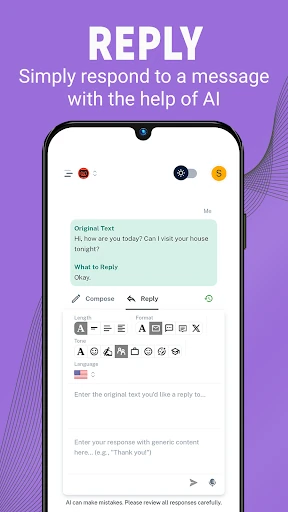
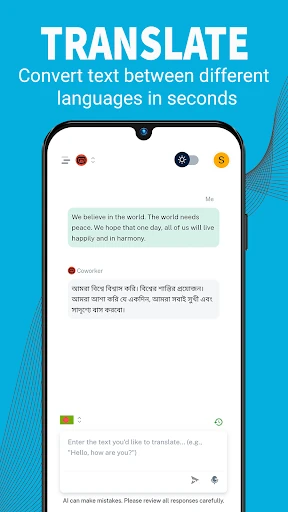
The app works through conversations, with different models available for different requests. Its writing tools cover tasks such as emails, blog posts, and creative writing, while tone controls help shape the result. You can also use it for research-style questions, translations in more than 100 languages, and document summaries.
Coworker AI suits students, office workers, writers, and anyone who regularly moves between writing, language, and visual tasks. It is more useful for varied workloads than for a single specialised job: one session might involve planning an email, translating a passage, and producing an image prompt for a project.