Click to download now, finish the installation quickly, and directly unlock the all-round experience
Screenshots
Click to download now, finish the installation quickly, and directly unlock the all-round experience
HiPaint is a mobile drawing app for sketching, painting, image editing, and frame-by-frame animation. It gives illustrators, hobby artists, and animators a canvas with customizable brushes, layers, selection tools, transformations, and gesture controls. It is suited to anyone who wants more control than a basic sketchpad provides, especially when using a pressure-sensitive stylus.
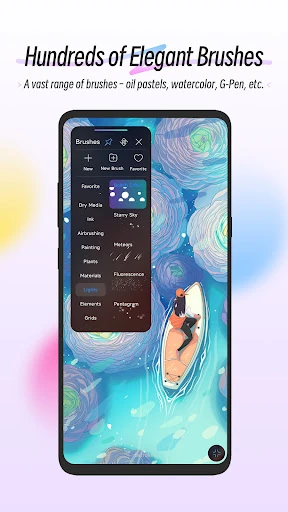
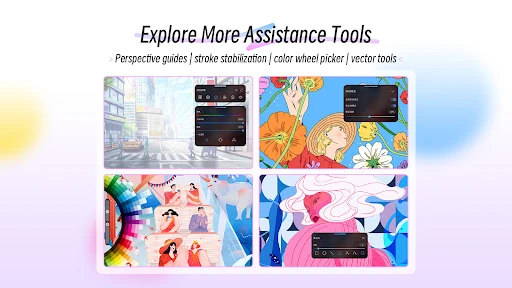
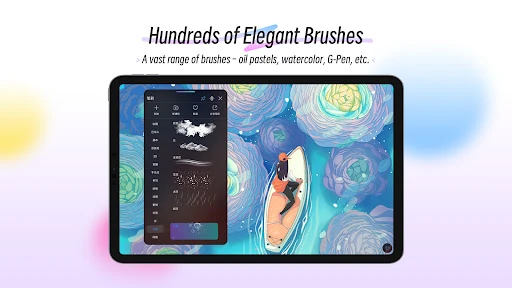
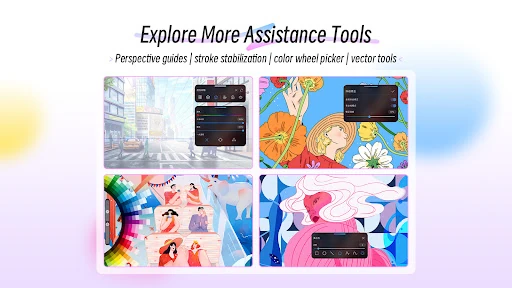
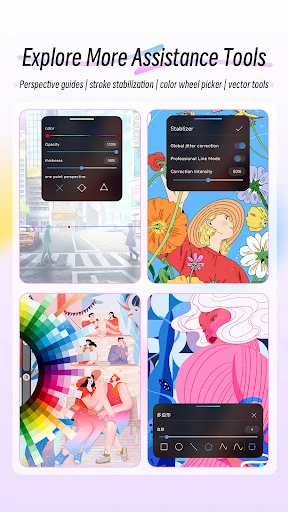
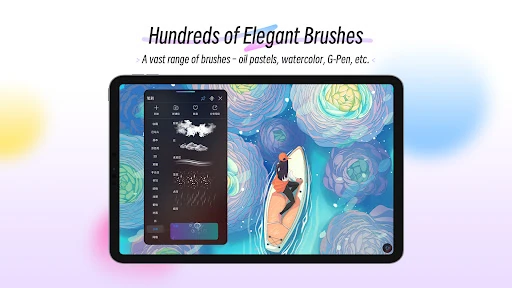
The app includes more than 100 brush presets and a brush studio with settings for adjusting how strokes behave. Pressure and tilt support can make stylus input respond differently from a finger or standard touch input. You can also use vector shapes, selection masks, and Liquify for reshaping or cleaning up artwork.
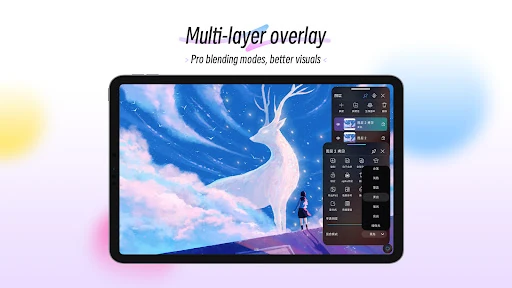
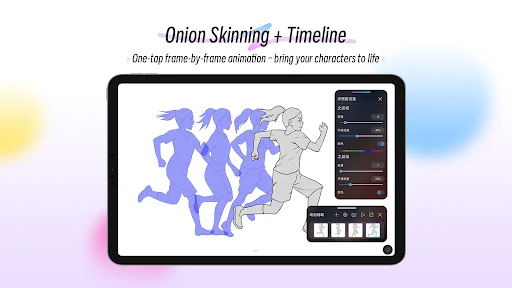
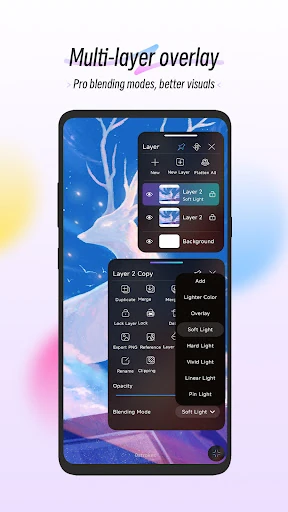
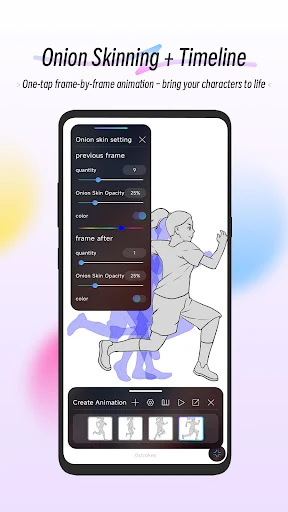
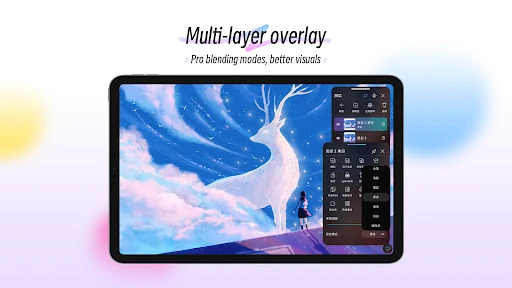
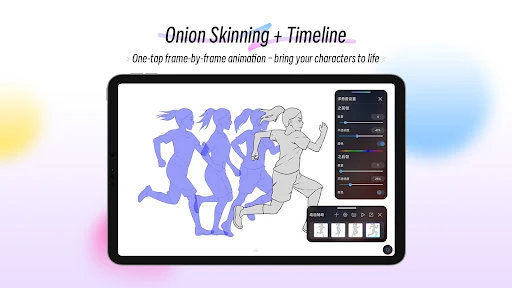
HiPaint supports grouped layers, clipping masks, and 28 blend modes for building images in separate editable parts. CMYK colour support is included for work that may later be prepared for print. Its animation tools manage separate frames and include onion skinning, which shows nearby frames while you draw. This makes the app useful for short animations, storyboards, and GIF-style work as well as still images.
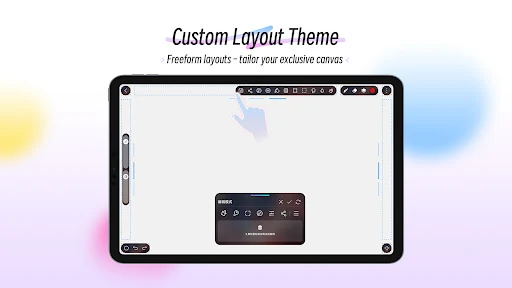
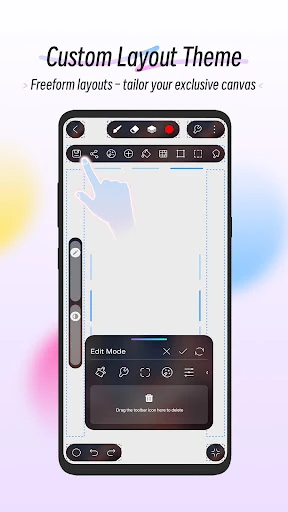
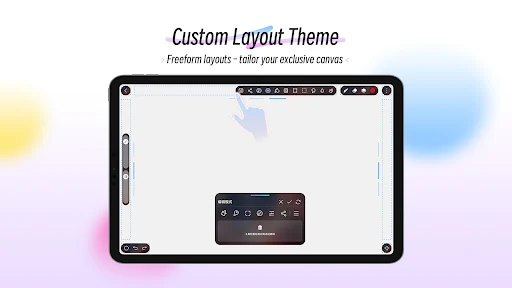
The workspace can be rearranged through a DIY canvas layout, allowing tool icons to be placed where they suit your workflow. The number of professional controls may take time to learn, and large layered images or animations can put more demand on a phone or tablet. HiPaint is listed in Art & Design and has a 4.27 rating from 52,431 reviews, with more than 1,000,000 installs. It is developed by HiPaint.